Champagny webcams: official views
Use the official La Plagne webcam directory for Champagny Village, the ice tower, Champagny-le-Haut Nordic area and La Rossa. Check the image timestamp and camera location before comparing with lift or track openings.
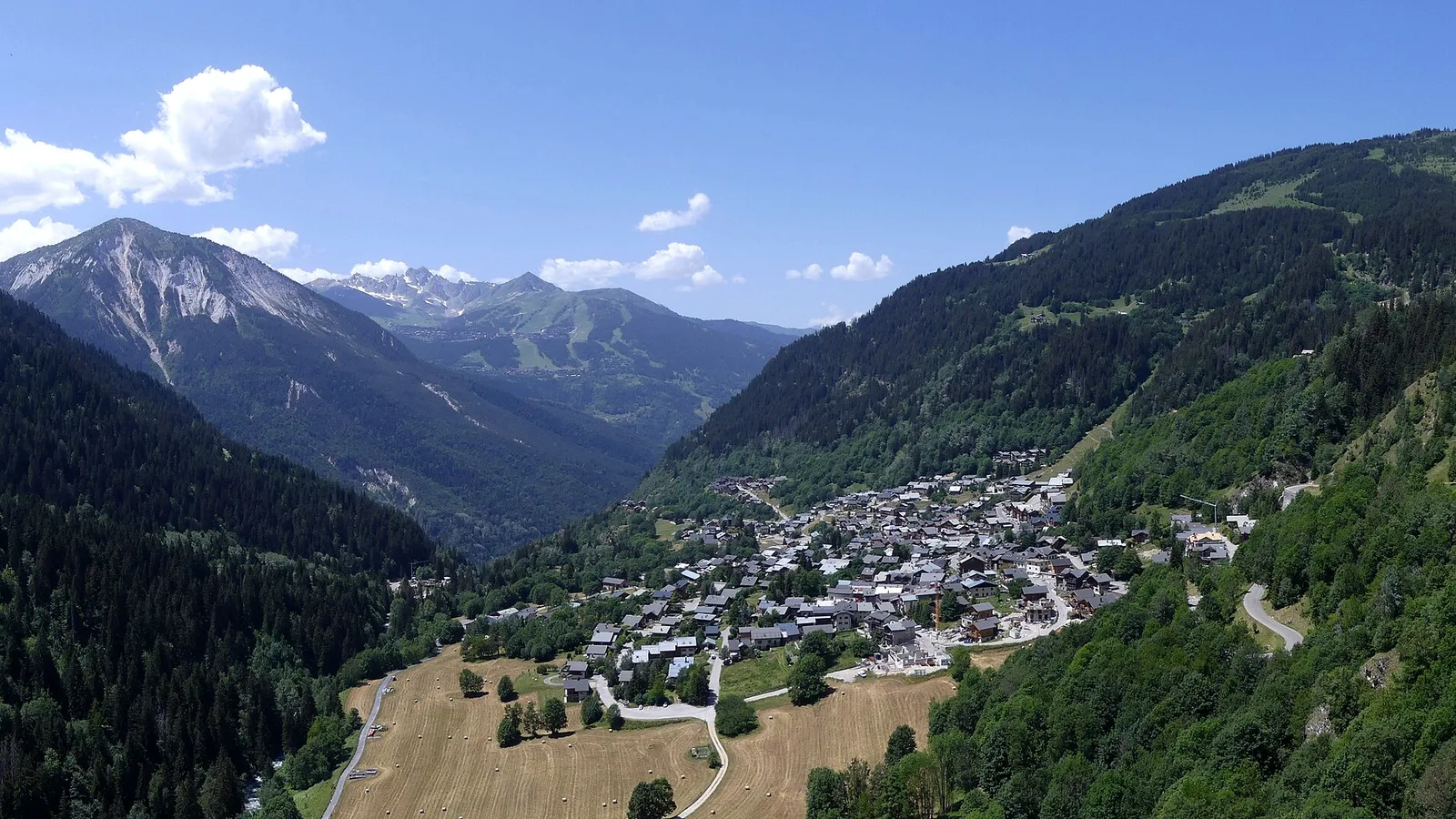
Westward view from Champagny-en-Vanoise. · Photo: Florian Pépellin / Wikimedia Commons, CC BY-SA 4.0 (resized to WebP) Source
A webcam can help you judge cloud and visible snow at a particular location. Start with the official La Plagne webcam directory, then choose the Champagny view that matches your intended day.
Which camera should you open?
| Directory label | Useful for |
|---|---|
| Champagny – Village | The lower village setting, sky and visible local snow |
| Champagny – tour de glace | A view in the upper-valley ice-tower area |
| Champagny le Haut – Espace nordique | The Nordic valley setting |
| La Rossa | The higher alpine-sector view above the village |
The directory groups these under the southern side of the domain. Wider La Plagne cameras, such as Roche de Mio or Live 3000, add altitude context, but do not show conditions outside your Champagny accommodation.
Check that the picture is current
Open the camera itself and read its time or refresh information. A search thumbnail can be old even when it looks like live content. Look for a stalled feed, a blank view or an image date that no longer matches the outing.
If the image is unavailable, use another official observation and the forecast. Treat the missing view as unknown conditions. A clear image from yesterday cannot resolve today’s fog.
What a camera cannot confirm
A snowy field is not proof of an open piste. A visible Nordic track may be closed elsewhere, and a clear valley view says little about wind on a higher ridge. Cameras also cannot confirm whether a road is open beyond their frame.
Use the official La Plagne opening board for alpine lifts and pistes, and the Nordic area’s own snow bulletin for cross-country tracks. For the ice tower, confirm the operator’s access information rather than judging climbable ice from a distant view.
A quick morning sequence
Read the mountain forecast first, then compare the village and the relevant activity camera. Finally check operating status for the lift, track or facility you need. If sources disagree, ask local staff before travelling to the start. The best use of webcams is to add a visual clue to a complete plan.
Plan your next step
Find snow and opening reports · Read the mountain forecast · Orient on the piste map
Common questions
Where can I find official Champagny webcams?
The official La Plagne webcam directory lists Champagny Village, the ice tower, Champagny-le-Haut Nordic area and La Rossa.
Does a snowy webcam mean the pistes are open?
No. Use the official lift and piste status for alpine skiing, or the Nordic snow bulletin for cross-country tracks.
Which camera is useful for Nordic skiing?
Choose Champagny le Haut – Espace nordique for the valley view, then confirm track openings in the Nordic bulletin.